Audi R8 “Masterpiece”
Behind the visuals of this impressive portfolio project
Chris Leclerc is a director and cinematographer based out of Los Angeles. Over the past decade, his work has taken him to 35 countries and 6 continents. Chris recently wrapped this impressive portfolio piece, and when we heard how some of our video effects helped shaped the project, we had to get the full story. Be sure to check out the VFX breakdown below.
What inspired you to put the time and money into a personal project like this?
I think as a director you have to constantly push yourself creatively in order to not get stuck. I happened to be visiting my folks in Wisconsin at the same time my friend Paul Theodoroff was just getting back from LA himself. He’s a really solid Director of Photography so when he called and said, “Dude, let’s shoot something,” I was all in and we started pulling together ideas. We knew the idea had to be simple, something we could shoot over a weekend with a small crew and lean resources.I’d been itching to do a project where I could push the level when it comes to dramatic lighting and cinematic shots, just something fresh for my portfolio that would raise the bar another notch for my upcoming client work. I had just picked up your 4K Luminary and Light Hits effects packs, so they were top of mind when I set out on this project.
How did you source your location, gear, collaborators, etc?
We were able to shoot it at friend’s place, and we borrowed the Audi R8 from a personal connection. We basically didn’t sleep for a weekend and worked our brains out. We rented the Lomo Anamorphic lenses and the RED dragon online.
The story of how we found our talent is indie-filmmaking at it’s best. We pulled together a few friends to make up the crew and one had a connection who we thought really looked the part for the talent and agreed to do the project with us. We were scheduled to start shooting at 9pm on Friday night. We were on set, all ready to shoot, and we were looking at the time. It was 9:30 and we thought, “I hope this guy doesn’t flake out on us.” Then it’s 10pm, and still no sign of our talent. So we were all freaking out.
One of our grips went on Facebook and literally contacted 20 of his friends. He finally got ahold of one guy who turned out to be an actor and a model and showed up on set by 10:30pm. He stuck with us till 4am shooting, which was awesome. We had a problem and everyone was really resourceful in helping figure it out. It was a great collaborative effort by our whole team.
I’ve been fortunate to have gotten to know some really talented industry folks over the past 10 years and I had some specific folks I wanted to collaborate with on this project. I already mentioned Paul Theodoroff, who was DoP. The project simply wouldn’t have happened without him. Good sound design is important for any spot, but in an ad for a sports car, you definitely can’t skimp. Zak DeVries really delivered there. I can’t say enough good things about Tyler Rothat Company 3 for the incredible color grade on this project.
Tell us about how you shot the car shots
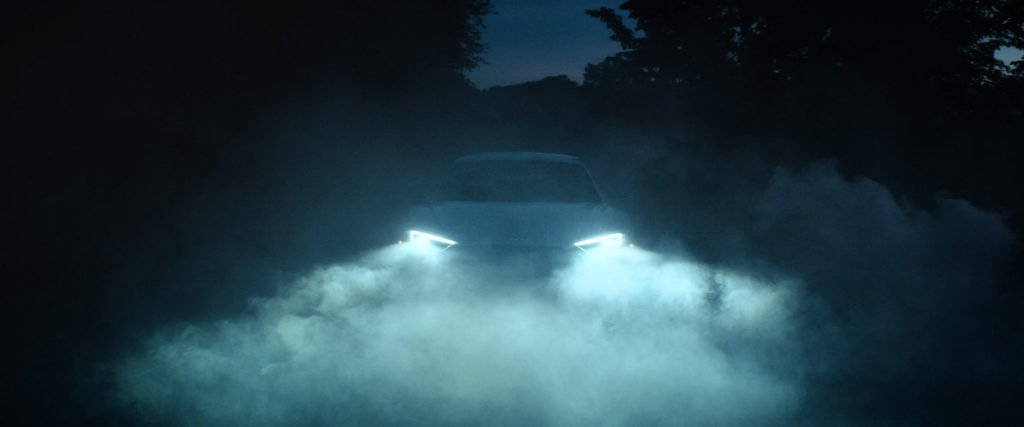
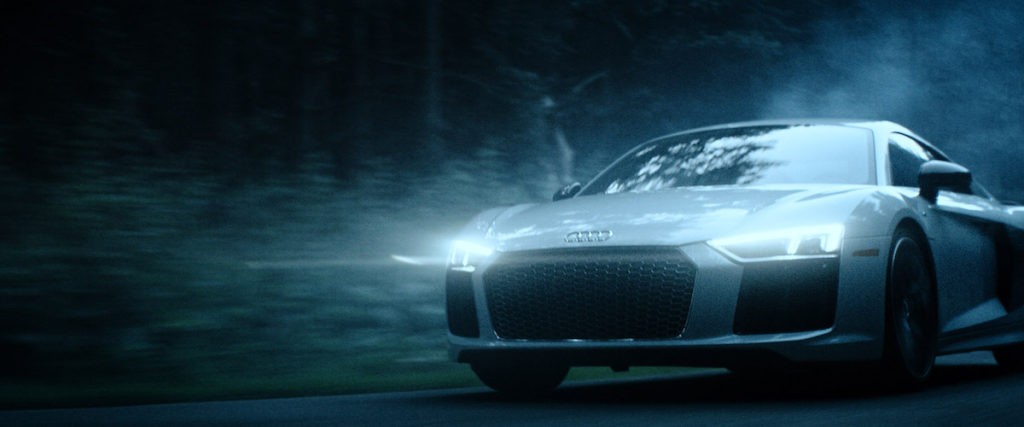
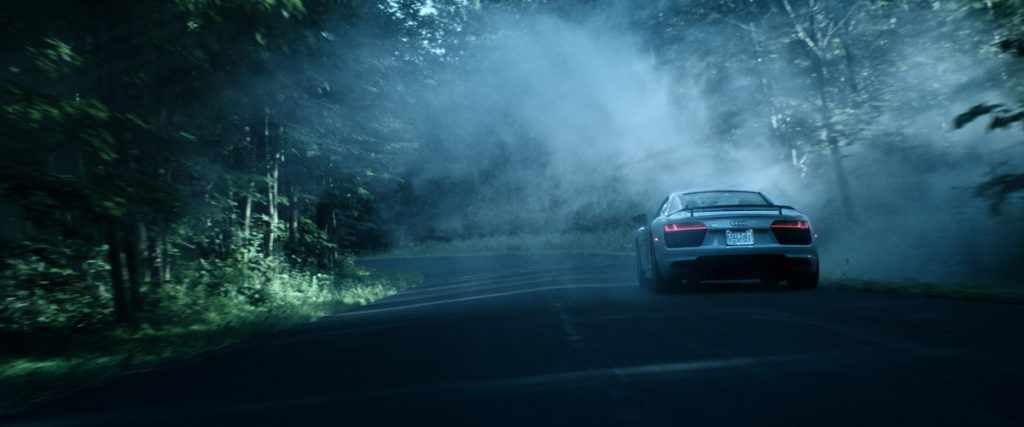
One of the biggest challenges was shooting at dusk because you have such a limited window for the “blue hour”. We only had time for 1 or 2 shots per “blue hour”, so we got up early and shot at about 4:30am and then again in the evening. The toughest part was getting fog on the road since we didn’t have the budget for a massive industrial fogger. We just went to Walmart and bought a mosquito fogger and filled it with mineral oil. It worked great!
We mapped out a section of the road, had the PA’s fogging it, then we’d radio down to the driver and have them drive down. The other thing that was tough was that we couldn’t just drive down the road for an hour and keep shooting. We had to keep re-fogging one area, drive the car through, turn the car around, fog it again, and drive the car through. Take after take to get the look right.
It didn’t help that the Audi goes 0-60 in like 2.7 seconds (all the car people will probably correct me on that) and my Subaru, well, doesn’t. So we weren’t able to drive the car quite as fast as we wanted and ended up speeding up a lot of the shots in post. It turned out alright, but it’s definitely no Russian arm on a Porsche.
So how were you able to get a tight shot of the character’s face with the lights whizzing by while flying down the highway?
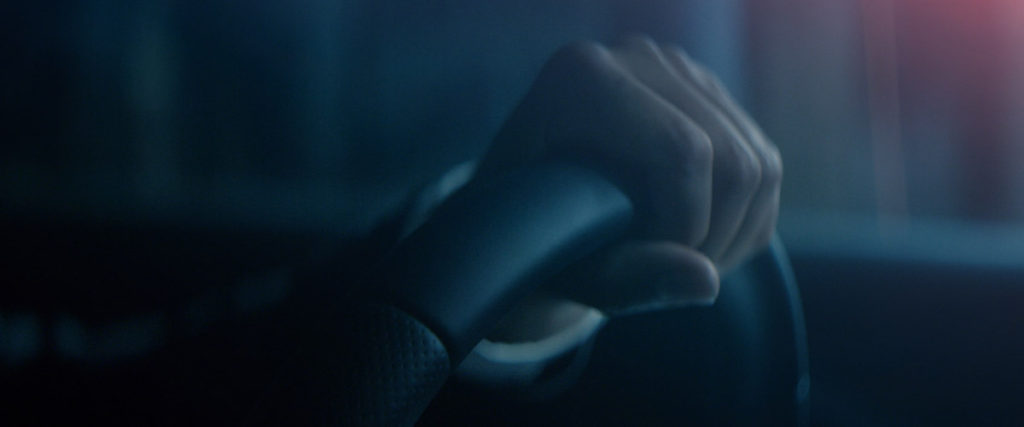
The interior driving shots were something that we knew we’d have to experiment with. Again… no budget, we had to be creative. We used kino tubes and had some of our grips and PA’s just swinging the lights around the actor’s head, and we shook the camera while the lights were swirling around. We also turned up the shutter on the camera to help add some of the motion feel. You’d never know that we were just sitting in a barn at 3am shaking a camera and moving lights around.
How did you guys pull off that “fire down the exhaust” shot? Did you animate it?
I wanted to portray the power of the engine. We all know the classic shot of the pistons firing and the gasoline coming to the engine. I called an animation buddy, and he said it’d be too expensive. So I went to Home Depot in search of a more practical solution and came across the pipe section.
I thought, “What if I used hairspray and a little flame, and fired it down one of these steel pipes. I could use a macro lens on my camera and put a little piece of glass at the end to protect the lens.” So that’s what we did! We shot it in slow motion, at like 240fps on the RED. We were sitting in my apartment with the RED laying on the ground shooting hairspray down a pipe and igniting it, and we kept doing it over and over till we got something cool. I think the fire alarm went off a few times.
How did knowing what you can do with Luminary and Light Hits in post affect some of your decisions on set?
After looking at a lot of other car spots in pre-production, we noticed that in many high-end budget commercials, there are these subtle little flares and flashes that make the spot more dynamic. With Lens Distortions, I knew I’d be able to add the same effects in post-production, and not have to try and shoot that all in-camera. Going into production, I already had a couple scenes in mind where I knew adding a little extra piece of light with Light Hits or texture with Luminary was going to work well.
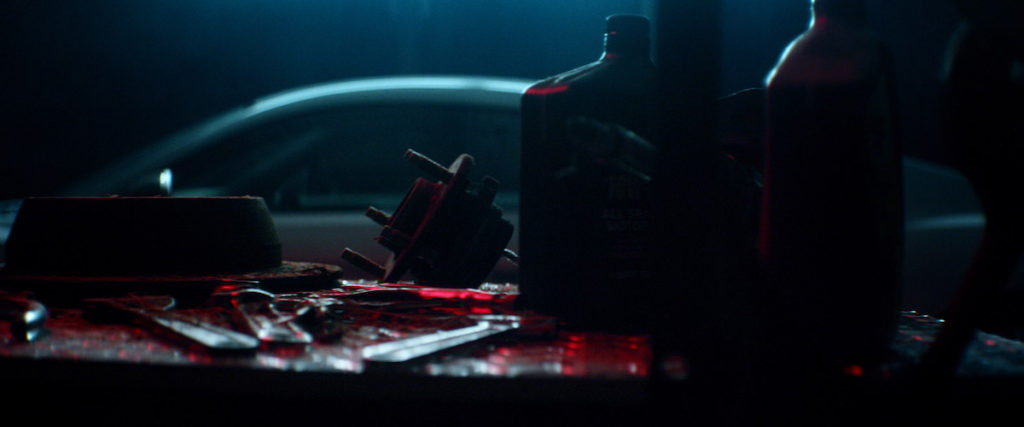
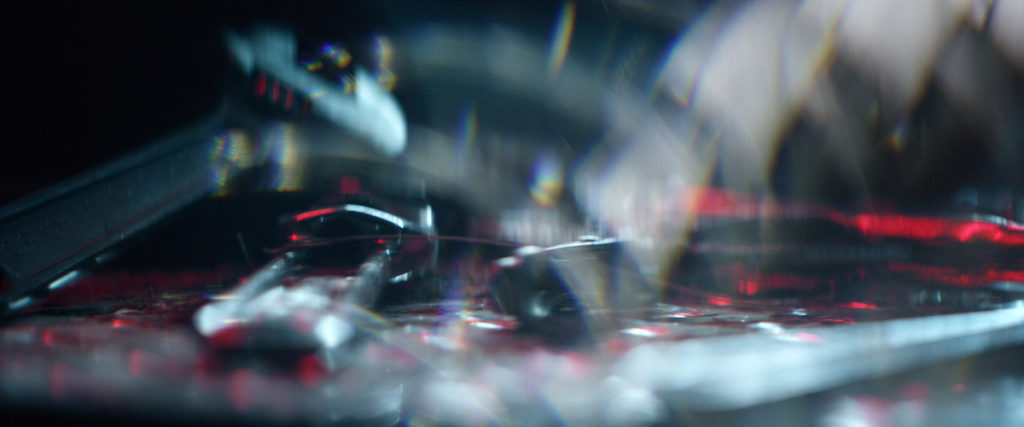
When I was storyboarding the project, I knew I wanted a scene where the car turned on and seemed like it rumbled the whole barn. And to visually show that, we had this table full of tools that our grips shook really hard, and then in post, I used Luminary to add some extra movement to the shot to help make it look a little more dramatic.
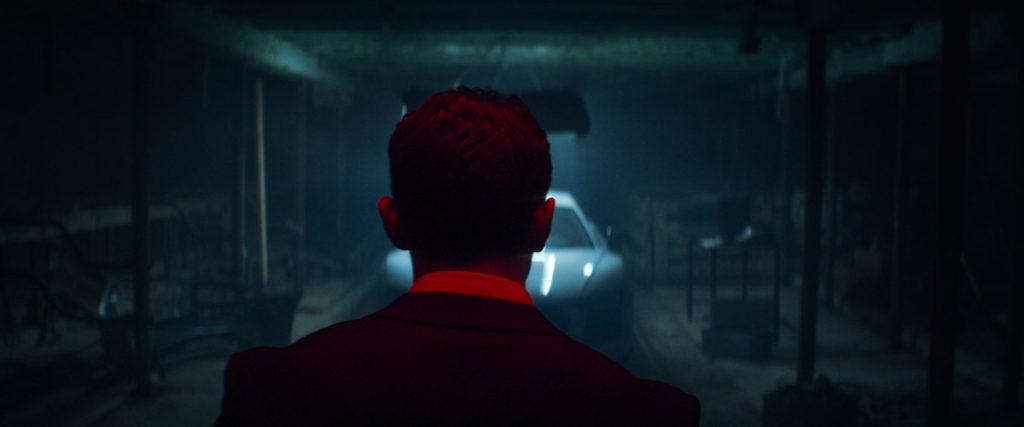
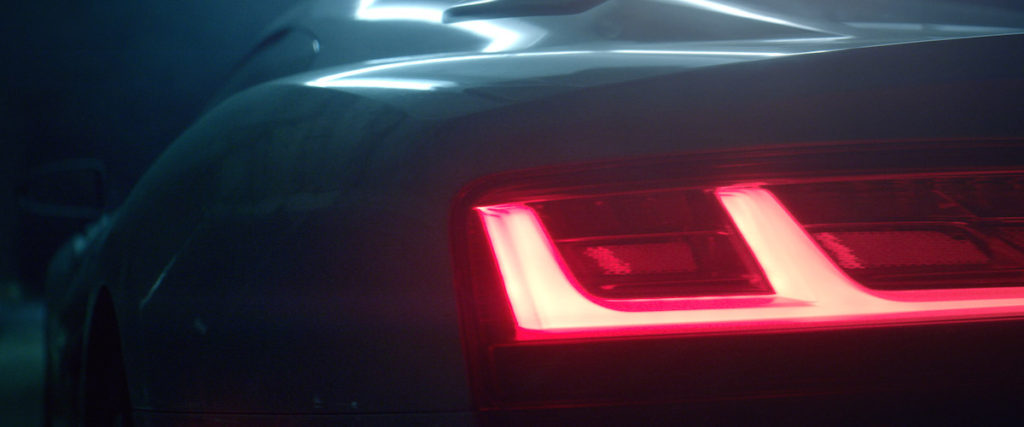
Paul brought some interesting ideas to the table when it comes to color and hues. When the character walks into the garage (which was actually a friend’s barn), you see these awesome red highlights that contrast with the cool tones. One thing we noticed as we started shooting was how important the color red is to Audi’s brand, so we kept coming up with ways to tie that color into the whole spot.
I was messing around with Light Hits and I tried tinting them red to match some of Audi’s red, and it worked wonderfully. It was really simple to do in Premiere, just adjust the color, turn down the intensity, and add it to the corner of the shot. That part was all done in the edit, not in-camera. This helped create more consistency with lighting we used on set.
When we were shooting the interiors of the car, I knew I wanted this red light to be passing over the driver. We used a flashlight to create of some of the in-camera lens flares, but we used Light Hits to really accentuate those and add the red color. During production, it was reassuring to know I could fine tune the look with Lens Distortions.
You can see more of Chris’s work on his website and you can also see more of Paul Theodoroff’s work on his website.
Individual
Individual
Individual